
 Shipshape · Cruise countdown
Count down to sail day, to the second.
Home screen widgets, a packing list that knows where you're going, all-aboard alarms on port days, and a family game for the whole ship. It all works offline at sea, so there's no need to buy ship Wi-Fi to use it. Free, with one small ad bar you can remove for good.
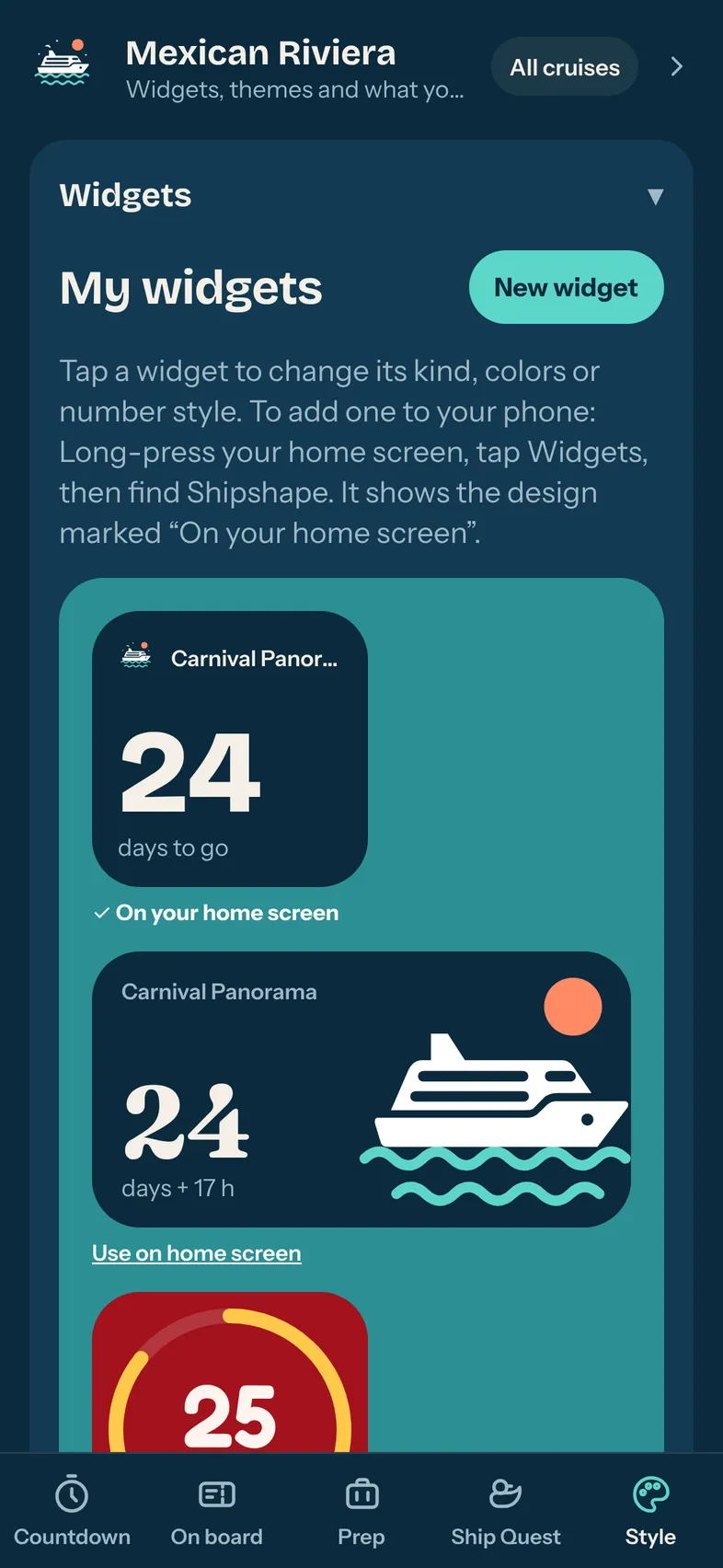
See the days drop every time you look.
Pick a style, colors and number font, then put the countdown right on your home screen. It counts down on its own, even when the app is closed.
- Small, wide, ring and "next up" designs
- Nine color themes
- An "If found, return to my cabin" widget for the trip
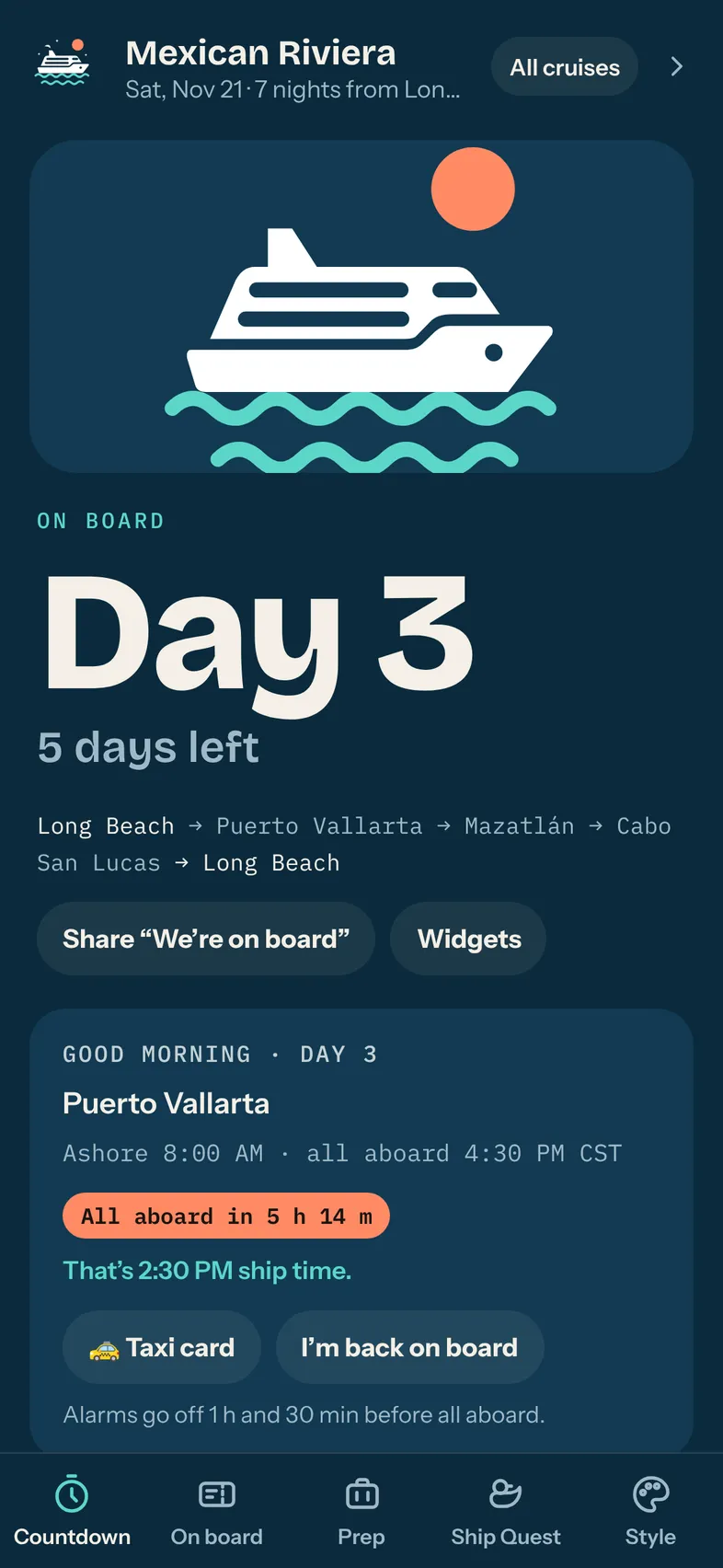
Never miss all aboard.
Each port day shows when you arrive, when to be back and how long you have left, in ship time and local time. Alarms go off before all aboard so you can head back with time to spare.
- Paste your booking to fill in the ports and times
- A taxi card in the local language with your ship's name
- Meet-up spot if the group splits up
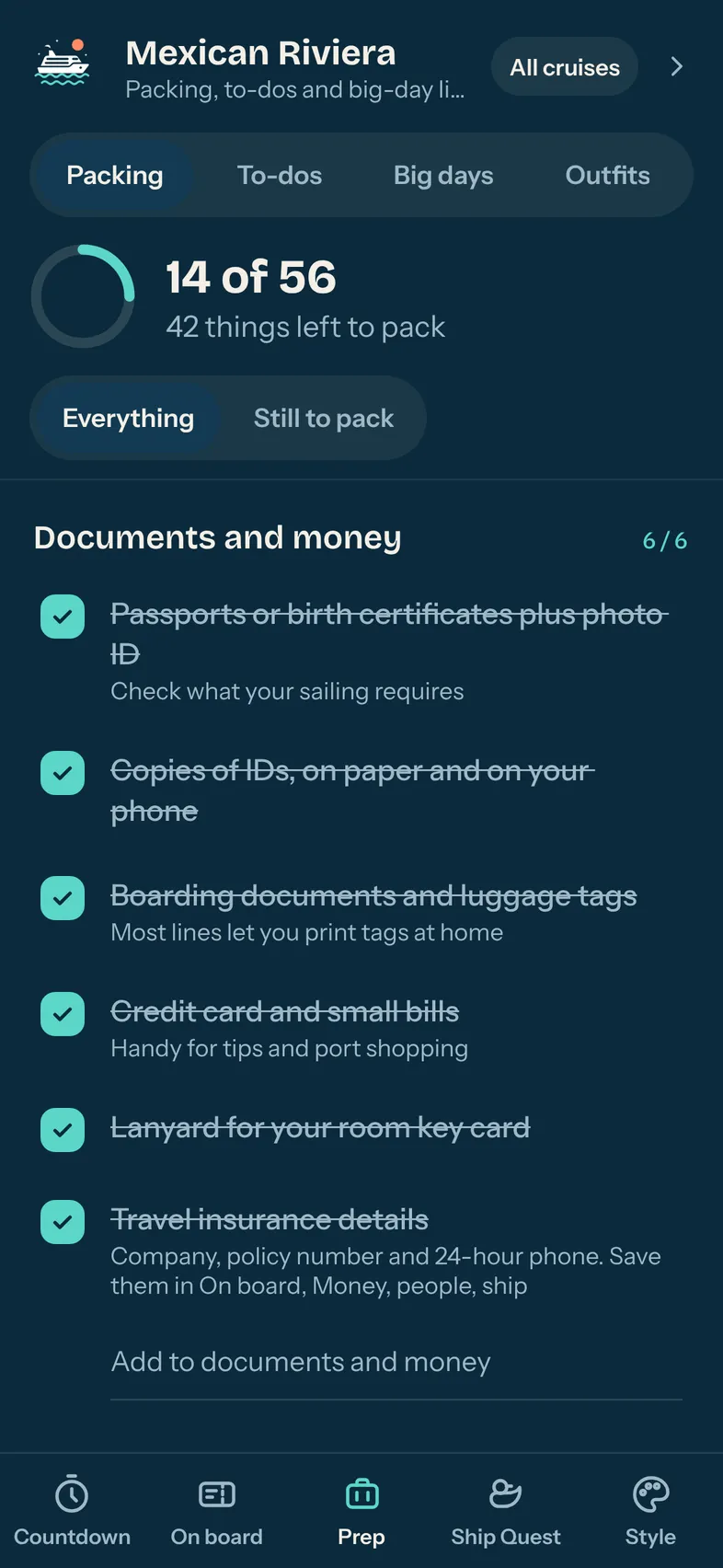
Pack it all. Forget nothing.
A packing list built for cruises, with extras for the climate you're sailing to, plus a to-do timeline that tells you what to book and when.
- Documents, carry-on, health and first aid, kids
- Add your own items and hide what you don't need
- Outfits for dressy nights and big days
A family game for the whole ship.
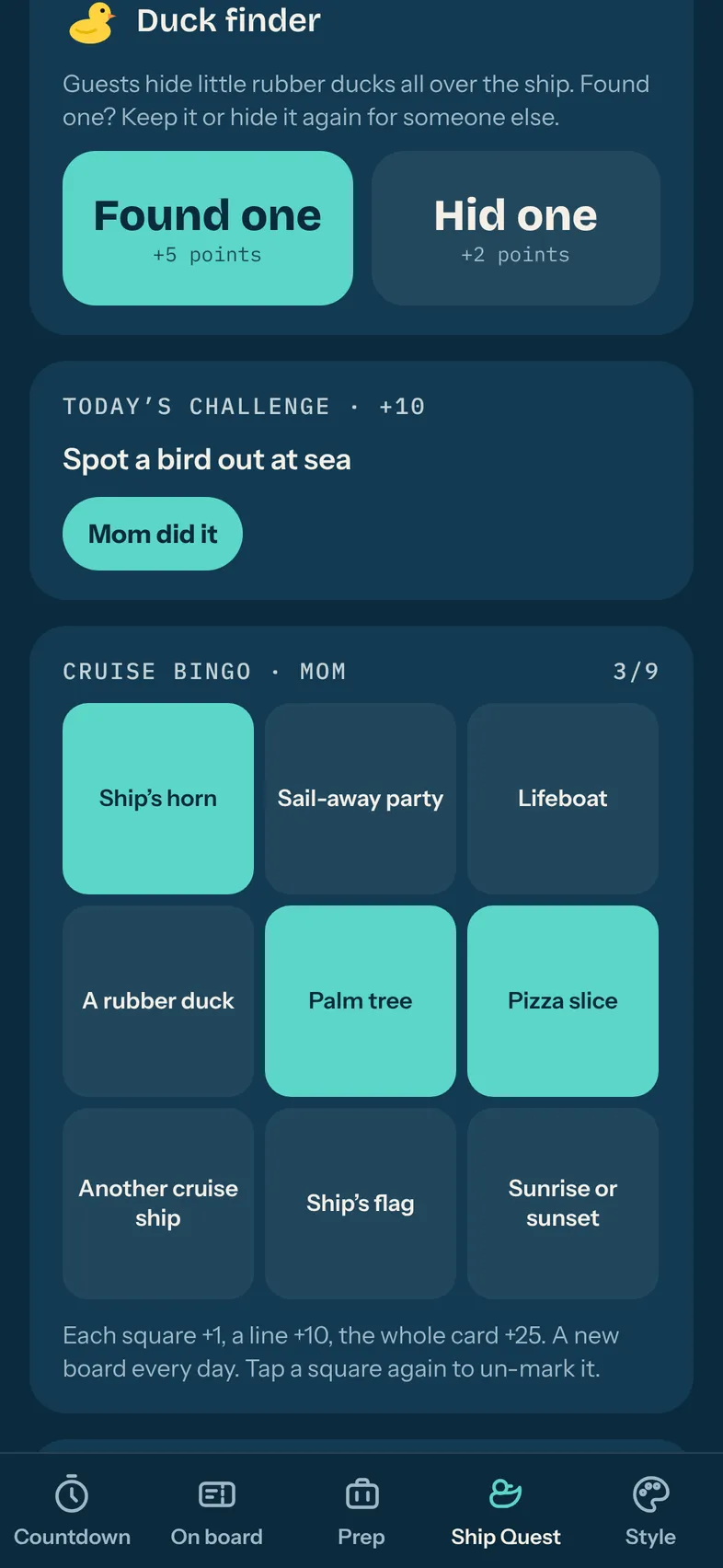
Find rubber ducks, mark off cruise bingo, take on the daily challenge and snap the photo hunt. One phone, the whole crew, and a leaderboard with a crown for the winner.
- Passport stamps for every port
- New bingo board every day
- Undo for oops taps
Every cruise, one countdown each.
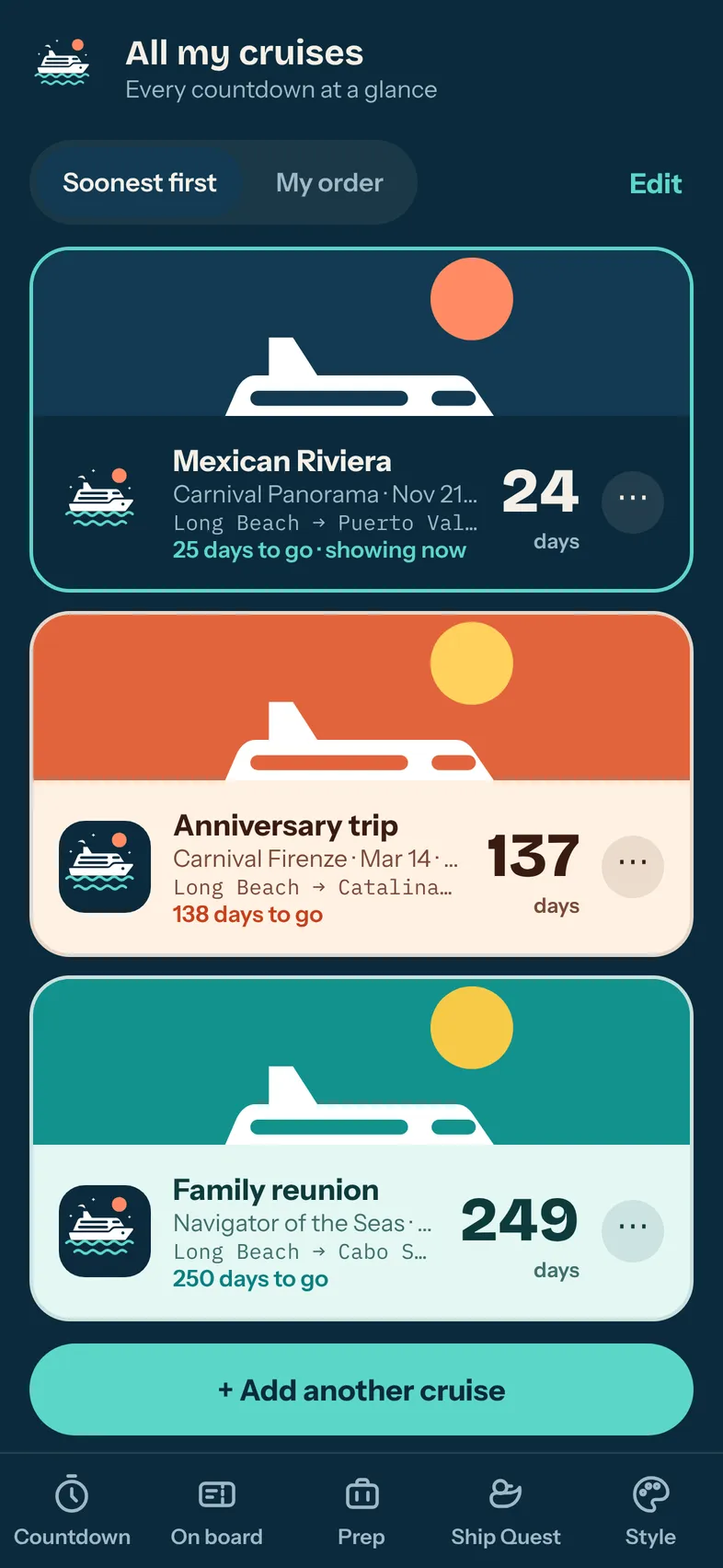
Booked more than one? Each cruise gets its own colors and countdown, and your sailing record adds up nights, sea days, ports and badges over the years.
Help us test Shipshape.
We're looking for testers on Android and iPhone before launch. Email us with the phone you use and the Gmail or Apple ID email you want the test invite sent to. Testers get Shipshape ad-free while testing.
Good questions.
Is Shipshape free?
Yes. Every feature is free, with one small ad bar. A one-time "Remove ads" purchase turns it off for good, and it covers your family through Family Sharing or Google Play Family Library.
Do I need an account?
No. There's no sign-up. Your trips, lists, photos and game scores are saved on your phone. You can back everything up to a file whenever you like.
Does it work on the ship without Wi-Fi?
Yes. The countdown, your plans, the cruise card, packing list, alarms and the game all work offline. Only port weather needs a connection.
Which cruise lines does it work with?
All of them. Shipshape knows hundreds of ports and private islands, and you can add any stop yourself. It isn't affiliated with any cruise line.
How do I add the widget?
On Android, long-press your home screen, tap Widgets and find Shipshape (or use "Add to home screen" in the app). On iPhone, long-press the home screen, tap Edit, then Add Widget, and search for Shipshape.
Something's not working. Who do I tell?
Use "Report a problem" in Style, or shake your phone in the app. It opens an email with the details we need already filled in. You can also visit Support.